Faster context. Fewer tokens.

AI assistants forget everything between sessions. NodeSpace gives them persistent, searchable access to your project knowledge. Write it down once and every AI tool finds it instantly.

Runs entirely on your machine. No cloud, no API calls, no data leaving localhost. Open source.

80% Fewer Roundtrips
50% Token Savings

*Benchmarked against grep/ripgrep on local markdown docs

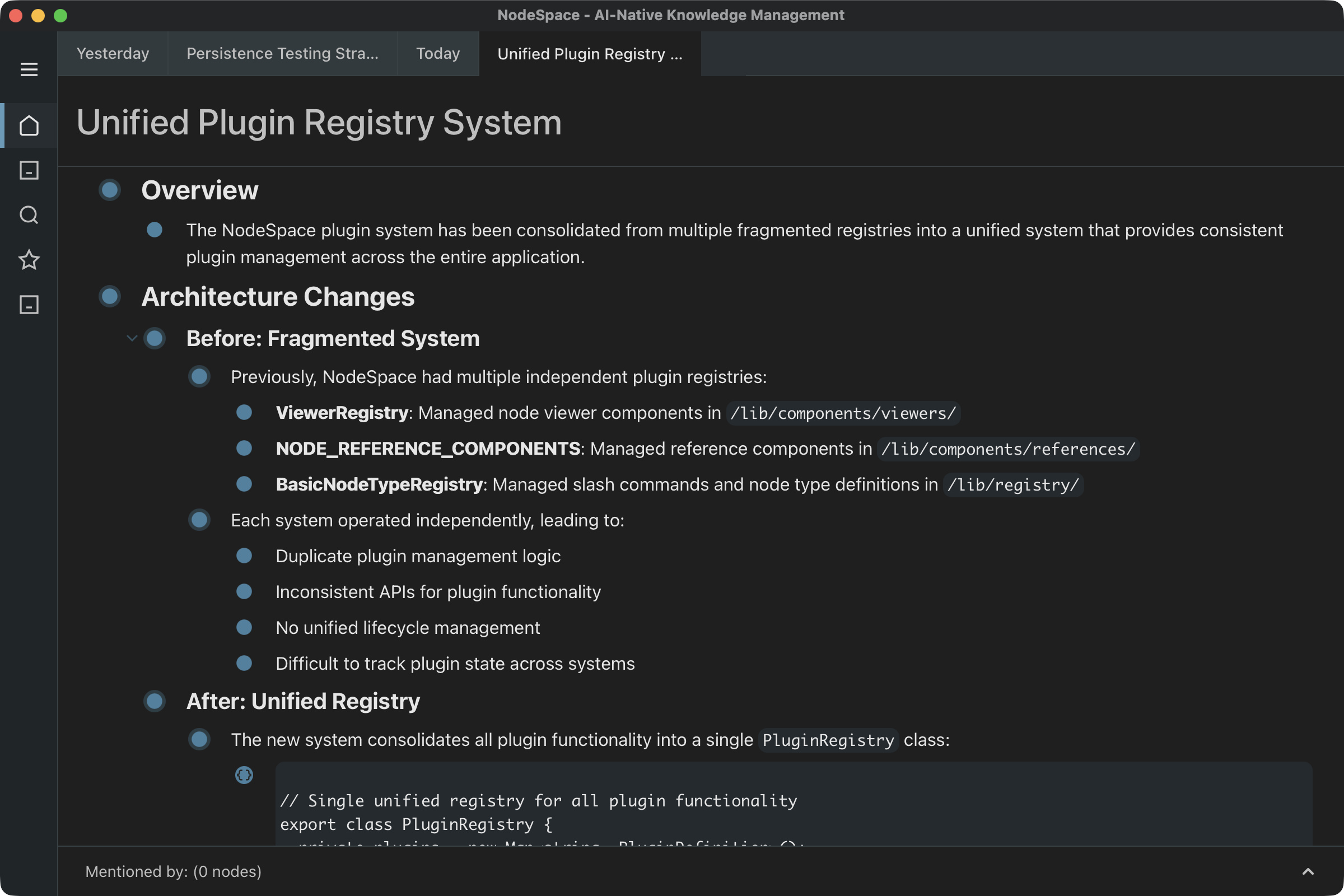
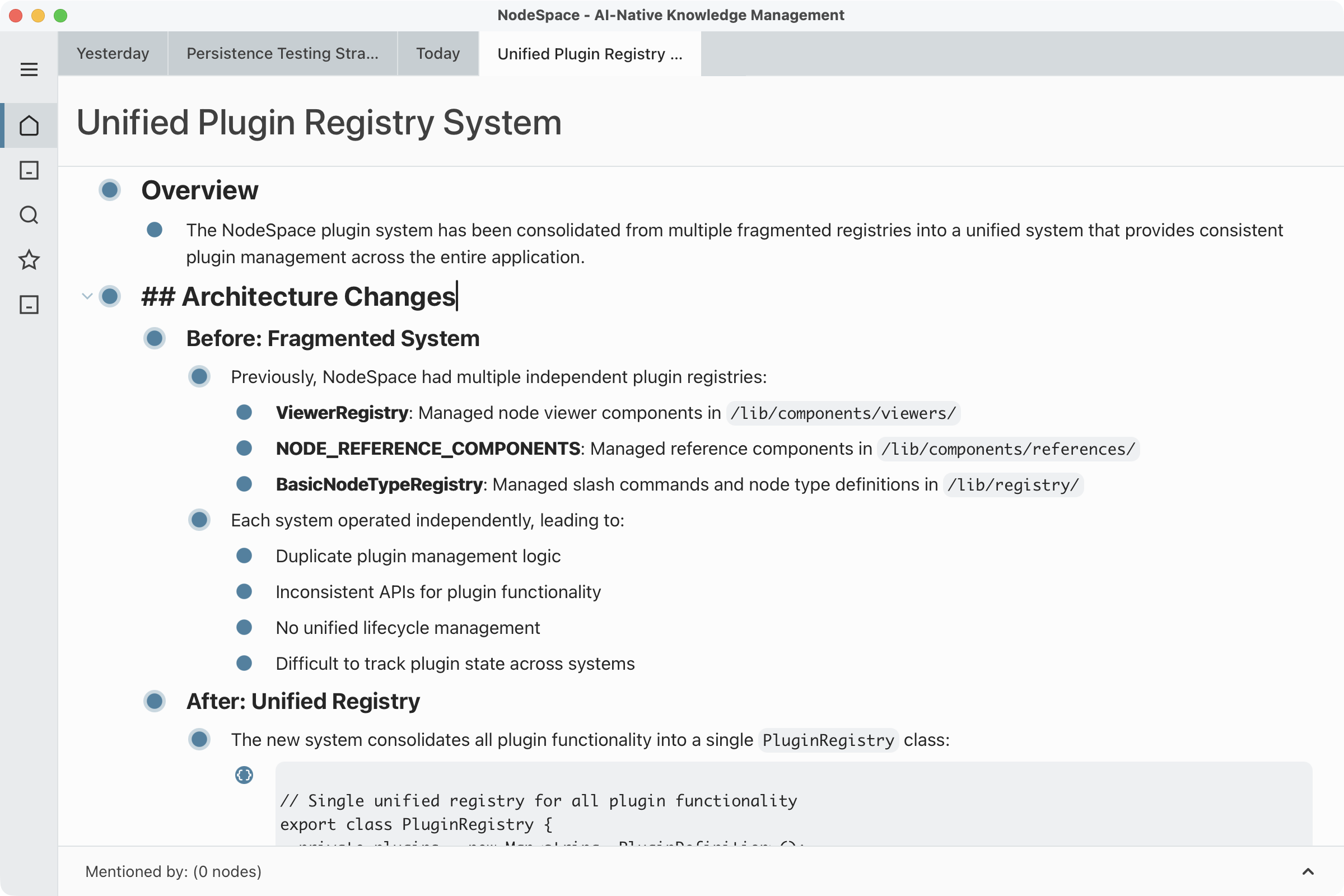
NodeSpace desktop app showing structured documentation with semantic search NodeSpace desktop app showing structured documentation with semantic search

The context problem

Developers using AI assistants waste time copying files, re-explaining architecture, and watching context degrade mid-session.

Manual copy/paste

You re-explain your architecture every session. Context compacts, knowledge disappears.

Grep / ripgrep

Keyword-only. Multiple roundtrips. Burns tokens searching for what might not even match.

External MCP tools

Notion, Linear, Jira - API calls for every lookup. No semantic search, just keyword matching.

NodeSpace: local semantic search. One config line. Your AI finds the right context in milliseconds.

How It Works

1

Install the desktop app

Embeddings and database built-in. No cloud account, no API keys, no setup.

2

Add to your AI config

Add NodeSpace to Claude Code, Cursor, or any MCP-compatible assistant:

"nodespace": {
  "type": "http",
  "url": "http://localhost:3100/mcp"
}
3

Write once, find everywhere

You write things down once. Every AI tool you use can find them instantly.

Desktop app for humans to browse and edit. MCP server for your AI to read and write. Both work together.

For Your AI

What AI assistants get via MCP

Semantic search

Find context by meaning, not keywords. Ask "Where do we handle auth?" and get relevant results.

Instant queries

No API calls, no token overhead. Your AI queries locally in milliseconds.

Read and write

AI can query your knowledge base and update it directly. Context grows as you work.

MCP compatible

Works with Claude Code, Cursor, Codex, Gemini CLI, and any MCP-compatible assistant.

For You

What you get in the desktop app

Daily Journal

One click opens today's entry. Capture context throughout the day.

Hierarchical Nodes

Nest ideas with unlimited depth. Tab to indent, Shift+Tab to outdent.

Collections

Organize with the flexibility of folders and tags combined.

@Mentions

Type @ to link any node. Build a graph of connected ideas.

What's Coming

Team Sync

Share your knowledge base across your product team. Everyone's AI stays informed, no manual syncing.

Playbooks

Define reusable workflows that execute automatically. Describe what you want, NodeSpace runs it on triggers you set.

Knowledge Graphs

Automatic entity extraction and relationship inference. Your notes become queryable, structured knowledge.

Early access users help shape what we build next.

See It In Action

Same question, two approaches - watch the difference

Without NodeSpace grep/ripgrep · 6 calls · 41.6K tokens
With NodeSpace semantic search · 1 call · 31.2K tokens

Get Early Access